Choosing between a website vs web portal is usually less about technology and more about how people need to interact with your organisation. A website helps you publish information, attract enquiries and explain what you do. A web portal lets named users log in, complete tasks, share documents, view data and work with your team in a secure space. We build portals for UK organisations that need to reduce manual admin, connect systems and give clients, staff or partners a better way to work with them. Here is how to decide which option fits your business.
Key Takeaways
- A website primarily serves as a public platform to share information, increase brand visibility, and generate enquiries from a broad audience.
- A web portal offers secure, personalised access for named users to perform tasks, share documents, and interact with business systems like CRM.
- Choosing between a website vs web portal depends on whether your organisation needs open communication or controlled, task-based user interactions.
- Web portals typically reduce manual administration by integrating with systems such as Microsoft Dynamics 365, streamlining processes for clients, staff, or partners.
- Websites are more cost-effective and quicker to launch, while web portals require detailed planning due to their complexity and integration needs.
- Select a website if your focus is on outward marketing and information, and choose a web portal to enhance private access, workflow automation, and self-service capabilities.
What A Website Does For Your Organisation

A website is usually the right choice when your main goal is to communicate with a broad audience. It helps people find your organisation, understand your services, read about your experience and make an enquiry.
For many businesses, the website acts as the public front door. A construction firm might use it to show project sectors. A healthcare provider might explain services and referral routes. A professional services firm might publish resources to help buyers make an informed choice.
A good website can support:
- Brand awareness and credibility
- Search visibility through useful content
- Lead generation through enquiry forms
- Public information such as services, locations and policies
- Marketing campaigns and downloadable resources
What it usually does not do is give each user a private, task-based workspace. If someone needs to log in, view their own records, submit information, approve documents or track progress, a standard website can start to feel limited.
What A Web Portal Does Differently
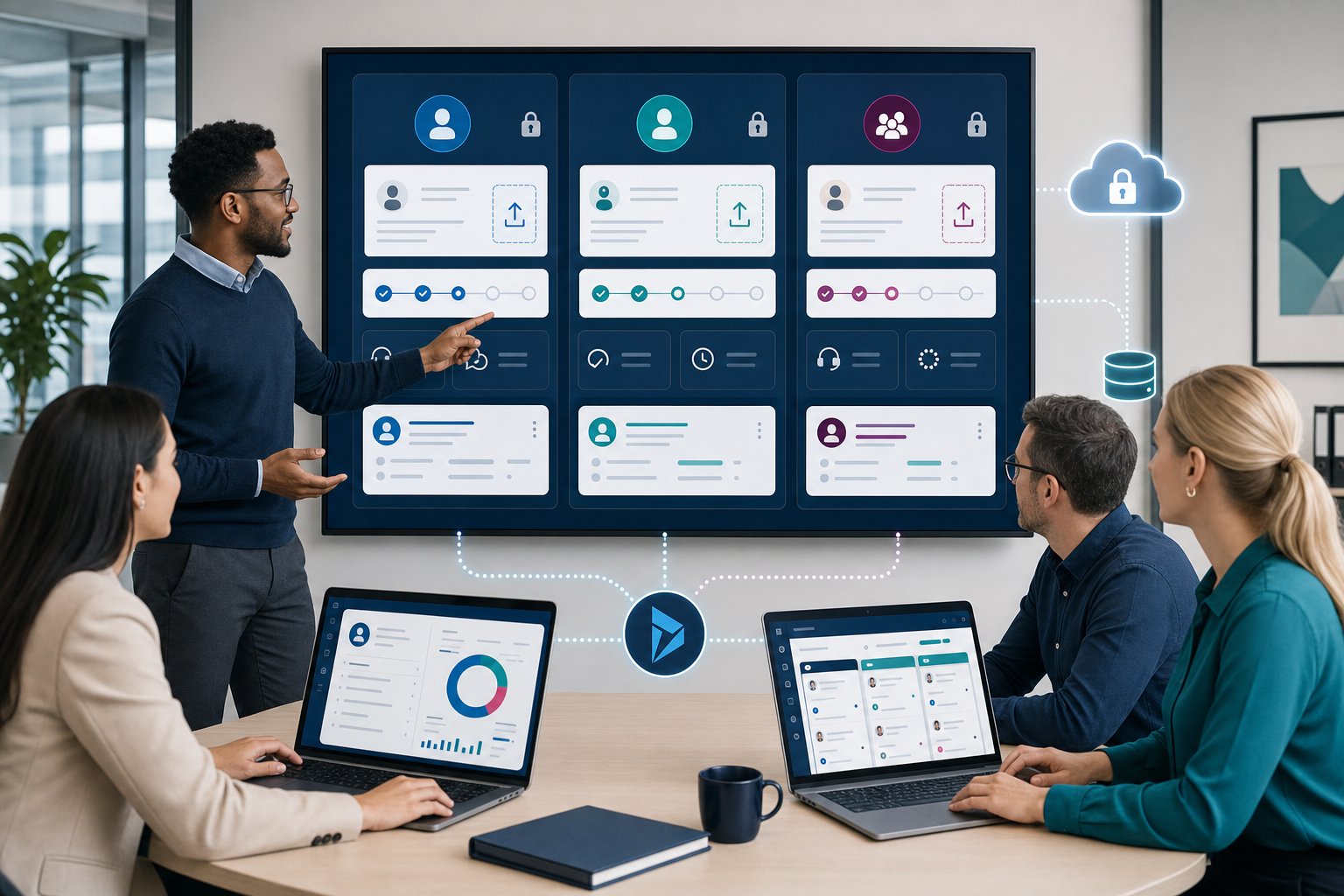
A web portal gives authorised users secure access to personalised information, tools and workflows. Rather than showing the same content to everyone, it changes what users see based on who they are and what they need to do.
For example, a client portal might let customers upload files, approve quotes and track support requests. An employee portal might give staff access to HR forms, policy documents, dashboards and internal requests. A partner portal might help suppliers, franchisees or agents share updates without long email chains.
We often build portals that connect with Microsoft Dynamics 365 or other CRM systems, which means users can see current records without your team copying data between systems. If you want a broader explanation of portal types, our guide to what a web portal is covers the basics in plain English.
Security also changes the picture. Features such as secure login for portals help control who can access sensitive information and what they can do with it.
Website Vs Web Portal: The Key Business Differences
The main website vs web portal difference is this: a website publishes information, while a web portal supports private interaction and business processes.
| Area | Website | Web portal |
|---|---|---|
| Audience | Public visitors | Named users with permission |
| Content | Mostly the same for everyone | Personalised by user, role or account |
| Access | Usually open | Login-based and controlled |
| Main use | Marketing, education, enquiries | Tasks, data access, document exchange |
| System links | Often light, such as forms | Often deeper, such as CRM or finance data |
The difference matters because your internal workload changes. If your team receives forms by email, saves files manually and checks CRM records before replying, a portal can remove repeated admin steps.
A CRM integrated portal can show customers or partners the data they are allowed to see, which means your staff spend less time answering routine status questions. Add document sharing portal features, and you also reduce the risk of version confusion across email attachments.
When A Website Is The Better Choice
A website is the better choice if you mainly need to attract, inform and convert public visitors. If your users do not need private access, account-specific data or process tracking, a portal may add cost without enough return.
This route suits organisations that need to:
- Explain services clearly
- Improve search visibility
- Publish articles, case studies or guides
- Capture enquiries
- Support recruitment or public updates
For example, a small consultancy with a simple sales process may only need a clear website with strong content and enquiry forms. A local service provider may need pages for each service area, not a login area.
A website can still include useful tools, such as calculators, booking forms or gated downloads. The line is crossed when users need a secure account area that connects to business data. At that point, you are no longer just publishing information. You are supporting a process, and that is where portals begin to make sense.
When A Web Portal Makes More Sense
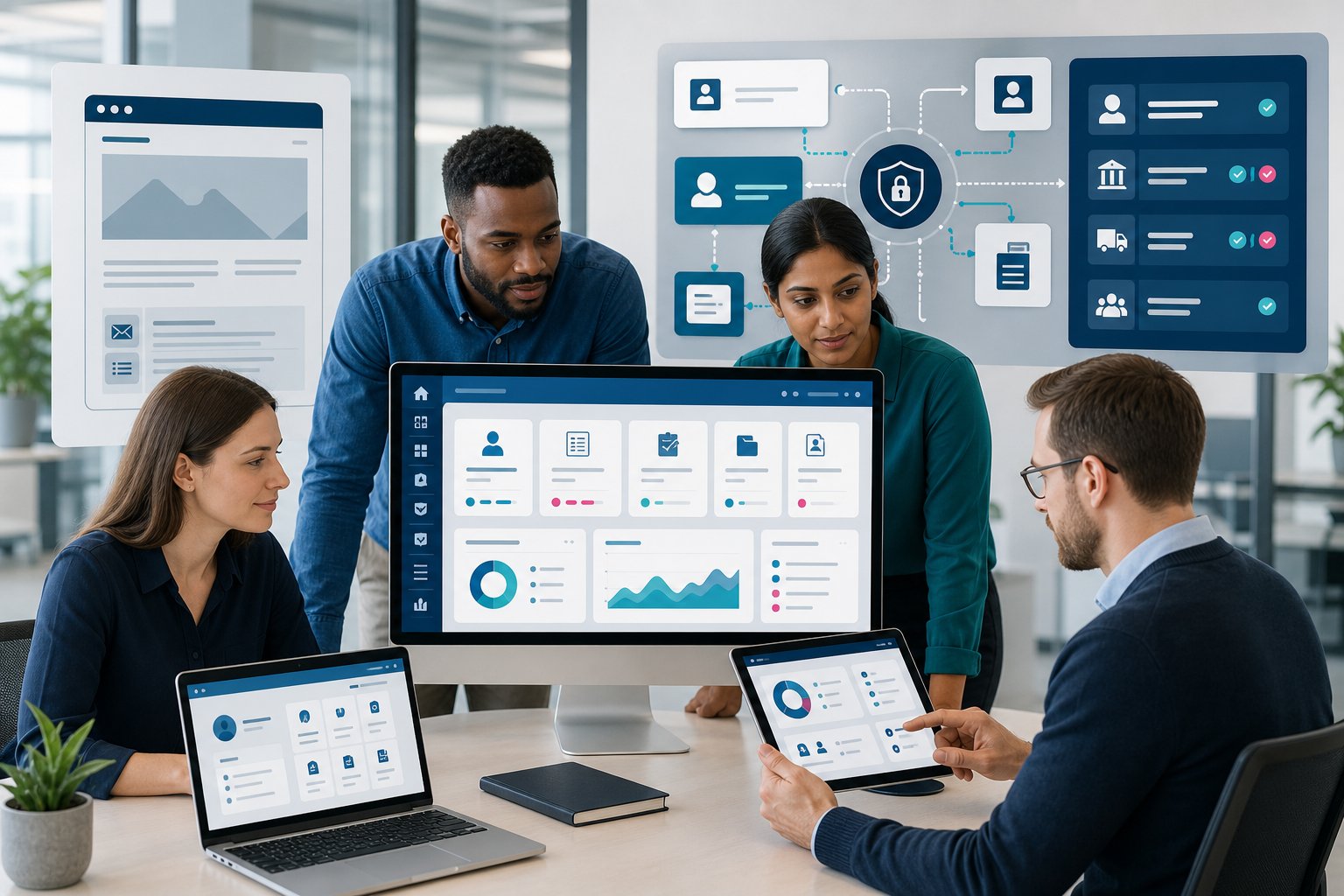
A web portal makes more sense when your organisation needs to reduce manual admin and give users secure self-service access. This is common once email, spreadsheets and shared folders start slowing people down.
A portal is often a strong fit if you manage:
- Repeat client requests
- Document approvals
- Membership renewals
- Supplier submissions
- Customer support cases
- Internal forms and approvals
- Account-specific reporting
For service firms, client portal development can improve how clients send information, review documents and track work. For teams with internal requests, employee portal development can help staff find information and complete tasks without asking the same questions.
We also see strong use cases in construction, healthcare, logistics and membership organisations. A portal does not replace every conversation. It removes the routine chasing, copying and checking that stops your team focusing on higher-value work.
Cost, Complexity, And Implementation Considerations
A website usually costs less and goes live faster than a web portal because it handles fewer business rules, fewer user permissions and less system integration. A portal needs more planning because it becomes part of how your organisation operates.
The main cost drivers include:
- Number of user roles and permission levels
- CRM, finance or operational system integration
- Document storage and approval rules
- Reporting and dashboard requirements
- Security, compliance and audit needs
- AI features or workflow automation
Microsoft Power Pages can be a strong fit if your organisation already uses Microsoft Dynamics 365 or the wider Microsoft stack. It can reduce the gap between your portal and your core data, which means users work from cleaner, more current information.
Our portal development services cover discovery, build, integration and long-term support. With 25+ years of experience, 650+ solutions delivered and Cyber Essentials certification, we focus on practical decisions early: what should go into phase one, what can wait, and where a portal will genuinely save time.
Conclusion
The website vs web portal decision comes down to how people need to work with your organisation. Choose a website if you need reach, visibility and enquiries. Choose a portal if named users need secure access, self-service tools, documents, workflows or live business data.
If you are researching the right route, we can help you assess the options without overcomplicating the project. Our team builds custom portals using Microsoft Power Pages, Dynamics 365 integration, workflow automation and AI-led functionality where it makes sense. To talk through your requirements, book a discovery call through our portal development team.
Frequently Asked Questions about Website vs Web Portal
What is the main difference between a website and a web portal?
The primary difference is that a website publishes general information to the public, while a web portal provides secure, personalised access for named users to complete tasks, share documents, and interact with business systems.
When should a business choose a website over a web portal?
A website is better when the goal is to attract and inform a broad audience, improve search visibility, explain services clearly, and capture enquiries without requiring user login or personalised data access.
How does a web portal reduce manual administration for organisations?
A web portal automates routine tasks by enabling secure self-service access, connecting with CRM or finance systems, and allowing users to submit information, approve documents, or track progress without relying on email or manual data entry.
Can a website include interactive tools like calculators or booking forms?
Yes, websites can have interactive features such as calculators and booking forms, but they lack secure, personalised login areas linked to business data, which are key features of web portals.
What are common use cases where a web portal makes more sense than a website?
Web portals are ideal for managing repeat client requests, document approvals, membership renewals, customer support, internal forms, and account-specific reporting, especially where secure, personalised workflows are needed.
How does integrating a web portal with systems like Microsoft Dynamics 365 benefit users?
Integration allows users to access current, authorised records without manual data copying, improving accuracy and efficiency by connecting portals directly with core CRM or operational systems.