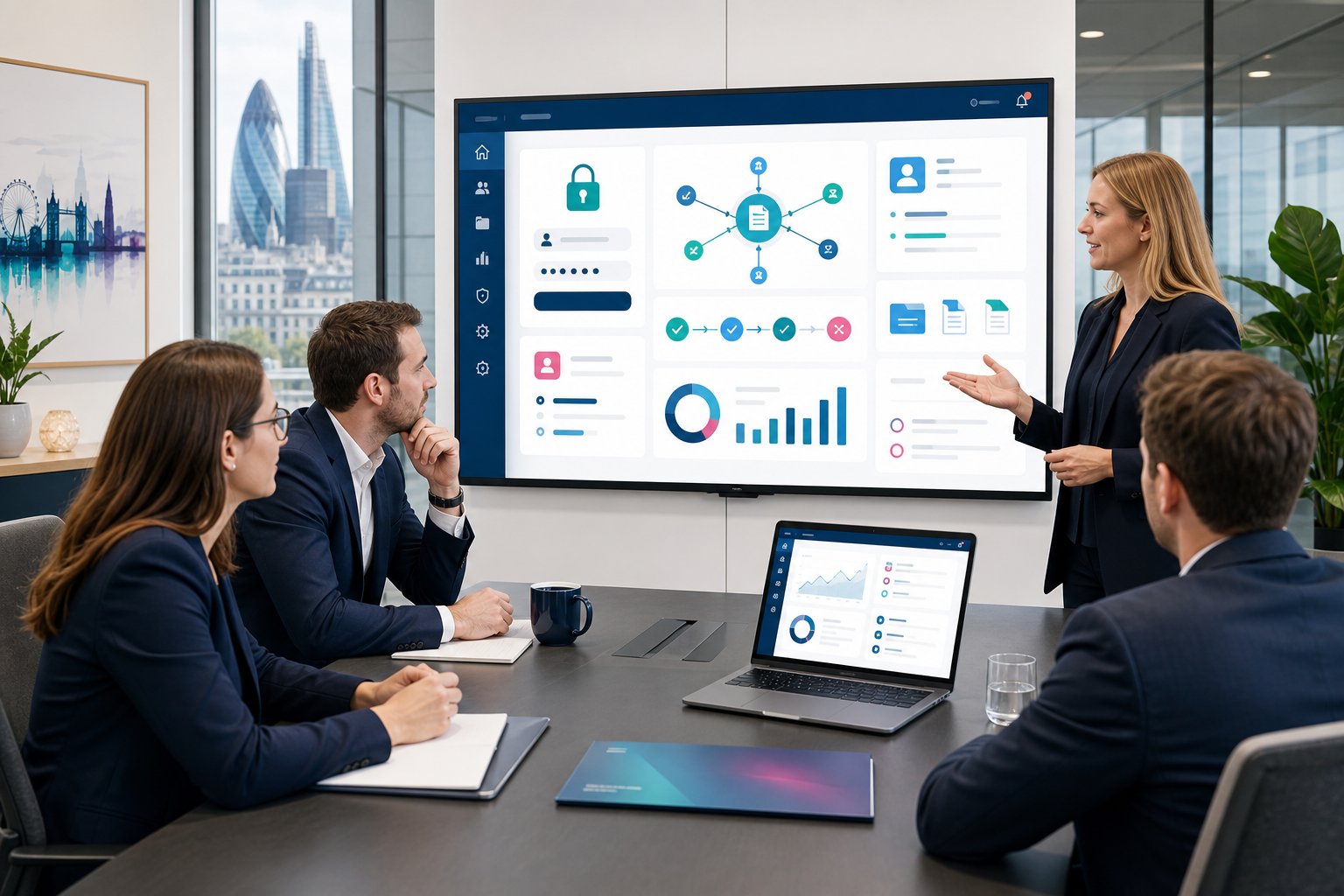
If you’re asking how much does a client portal cost, the honest answer is: it depends on what the portal needs to do. A simple secure area for documents costs far less than a portal that connects to your CRM, automates approvals, and shows live dashboards.
For most UK small to mid-sized organisations, a professionally built client portal usually sits somewhere between £8,000 and £150,000+, depending on scope. This guide breaks down the main cost ranges, what drives the price, and how we suggest you plan a sensible budget before speaking to suppliers.
Key Takeaways
- The cost of a client portal in the UK typically ranges from £8,000 for a basic configured portal to over £150,000 for advanced integrated solutions.
- Client portal pricing is primarily driven by scope, including user groups, permissions, workflows, document handling, and reporting needs.
- Integrations with CRM and other systems increase portal costs but improve data accuracy and reduce manual tasks.
- Choosing between building, buying, or configuring a portal depends on your specific process needs and existing technology stack, with configuration often offering the best balance of cost and customization.
- Plan for ongoing expenses such as licences, hosting, support, security updates, and feature changes beyond the initial launch.
- A clear brief defining users, tasks, security, and integration needs helps estimate your client portal budget confidently and avoid unnecessary costs.
Typical Client Portal Cost Ranges In The UK

Most UK client portal projects fall into three broad bands: configured portals, custom portals, and advanced integrated portals. These ranges are not fixed quotes, but they give you a practical starting point.
| Portal type | Typical UK cost | Best fit |
|---|---|---|
| Configured portal | £8,000 to £25,000 | Secure login, basic forms, document sharing |
| Custom business portal | £25,000 to £60,000 | Process-specific workflows, dashboards, CRM data |
| Advanced integrated portal | £60,000 to £150,000+ | Complex data rules, multiple systems, AI features |
A professional services firm may need a secure space for client files and approvals. A construction business may need project documents, site updates, and supplier access. A healthcare provider may need stricter access control and audit history.
If your main need is secure client access, our client portal development page explains the type of portal we build for service-led businesses.
The Main Factors That Influence Client Portal Pricing

The biggest price driver is scope. A portal with five simple pages costs far less than a portal that handles user permissions, live data, approvals, documents, and reporting.
The main cost factors include:
- Number of user groups, such as clients, staff, partners, or suppliers
- Login and permission rules, including who can see which records
- Forms and workflows, such as requests, approvals, renewals, or case updates
- Document handling, including upload rules, folders, version control, and expiry dates
- Reporting needs, such as operational dashboards or client-facing status views
- Content management, if your team needs to update portal pages without a developer
The difference matters because a portal should match your operating model. We start by mapping the process first, then we recommend the right technical route. That avoids paying for features you do not need, or choosing a low-cost tool that cannot support the process properly.
How Integrations, Security, And Data Access Affect The Budget

Integrations often turn a simple portal into a higher-budget project. The portal may need to read from, write to, or update records in systems such as Microsoft Dynamics 365, SharePoint, finance platforms, or case management tools.
A CRM integrated portal can reduce rekeying, which means your team spends less time copying updates between systems. It also gives clients more accurate information because the portal draws from the same source your internal team uses.
Security also affects cost. A portal may need multi-factor login, role-based access, audit logs, document controls, and data separation between clients. Our secure login portal features cover the common controls we discuss with UK organisations.
Data access rules need careful thought. If one client sees another client’s records, the issue becomes far bigger than a technical bug. This is where planning, testing, and Cyber Essentials-aligned practice matter.
Build, Buy, Or Configure: Which Option Offers The Best Value?

The best option depends on fit, not just licence cost. Buying off-the-shelf software can work well if your process matches the product. Building from scratch gives more control, but it often costs more and takes longer.
For many Microsoft-based organisations, configuring a portal on Microsoft Power Pages gives a strong middle ground. You get a secure portal framework, Microsoft identity options, and good links with Dynamics 365, without starting from a blank page.
Here is the practical view:
- Buy if your needs are common and you can adapt your process
- Configure if you already use Microsoft systems and need a portal that fits your data
- Build if your process is unusual or cannot work inside standard software
Our guide to build vs buy portal decisions covers this trade-off in more detail. We often recommend configuration first if it meets the need, because it keeps cost and risk under better control.
Ongoing Costs To Budget For After Launch

The launch cost is only part of the picture. You should also plan for licences, hosting, support, security updates, change requests, and small improvements after users start working with the portal.
Typical ongoing costs may include:
- Microsoft Power Pages, Dynamics 365, or other platform licences
- Hosting and environment costs
- Support desk cover and issue resolution
- Security monitoring and access reviews
- User training and admin support
- New features as your process changes
For a smaller portal, ongoing costs may be modest. For a larger portal with many users and integrations, the support model needs more structure.
Document storage can also affect cost. If your portal relies on uploads, file sharing, approval records, and audit trails, review our document sharing portal features before setting a budget. It helps you think beyond file storage and plan for how people will actually use the portal.
How To Estimate Your Client Portal Budget With Confidence
A reliable estimate starts with process clarity. Before asking suppliers for prices, define what the portal must achieve and what can wait until a later phase.
A good brief should answer these questions:
- Who will use the portal, and how many users do you expect?
- What information should each user group see?
- Which systems does the portal need to connect with?
- What tasks should users complete without emailing your team?
- What reports or dashboards do managers need?
- What security or compliance rules apply?
This helps us separate must-have features from nice-to-have ideas. For example, a logistics firm may need live delivery status first, then add client dashboards later. A construction firm may start with project documents, then add supplier workflows.
If reporting sits high on your list, our dashboard reporting portal features explain how portal data can support day-to-day management decisions.
Avrion has 25+ years of experience, 650+ delivered solutions, and 6,500+ active users supported. We use that background to challenge assumptions early, especially where a simpler approach may save budget.
Conclusion
So, how much does a client portal cost? For most UK organisations, budget from £8,000 for a configured portal through to £150,000+ for a complex integrated platform. The right figure depends on users, security, integrations, data rules, and post-launch support.
If you’re researching costs and want a practical view of what would suit your organisation, we can help you scope the options. Speak to our team about portal development and we’ll help you shape a sensible next step.
Frequently Asked Questions about Client Portal Costs
How much does a basic client portal typically cost in the UK?
A basic configured client portal in the UK usually costs between £8,000 and £25,000. This includes secure login, document sharing, and basic form features suitable for small to mid-sized organisations.
What are the main factors that influence the cost of a client portal?
Cost depends on scope, including user groups, login and permission rules, workflows, document handling, reporting needs, and content management capabilities. More complex features like multiple systems integration and advanced security increase the price.
Why do integrated client portals with CRM connections cost more?
Integrated portals that connect to systems like Microsoft Dynamics 365 automate data updates and reduce manual work. This complexity requires more development and security measures, making such portals cost between £60,000 and £150,000 or more.
Should a business build, buy, or configure a client portal to get the best value?
Choosing the best option depends on fit: buy off-the-shelf if processes align, configure platforms like Microsoft Power Pages for tailored solutions with existing systems, or build custom portals if workflows are unique. Configuring often balances cost and flexibility well.
What ongoing costs should be considered after launching a client portal?
Ongoing costs include software licences, hosting fees, support and issue resolution, security updates, user training, and future enhancements. These vary based on portal size and complexity but are essential for smooth, secure operation.
How can I estimate a sensible budget for a client portal project?
Begin with a clear brief defining users, access needs, system integrations, tasks to automate, necessary reports, and compliance rules. This clarity helps separate must-have features from extras, allowing suppliers to provide accurate cost estimates.