

The build vs buy portal decision usually starts with a practical problem: your teams, customers, partners or members need a better way to share information, complete tasks and track progress. The hard part is choosing the route that fits your budget, systems and long-term plans.
Buying can get you moving quickly. Building can give you closer control over processes, integrations and user experience. We work with UK organisations that face this choice often, and the right answer depends less on preference and more on how your business actually works.
Key Takeaways
- The build vs buy portal decision hinges on whether your organisation needs software that adapts to your processes or processes that adapt to software.
- Buying an off-the-shelf portal suits organisations with clear, standard needs and limited resources, providing faster implementation and easier budgeting.
- Building a custom portal is ideal for businesses that require unique workflows, multiple user roles, and deep system integrations like Microsoft Dynamics 365.
- Consider long-term value: custom portals often have higher upfront costs but reduce manual tasks and improve data quality over time.
- Evaluate your organisationâs users, system integration needs, workflow uniqueness, and expected growth to guide the build vs buy portal choice.
- Ongoing support and updates post-launch are crucial for both bought and built portals to remain effective and user-friendly.
What The Build Vs Buy Portal Decision Really Means

The build vs buy portal question is about control, fit and ownership. Buying means choosing an existing portal product and configuring it around your needs. Building means creating a custom portal around your processes, systems and users.
A bought portal usually gives you a fixed set of features, such as secure login, file sharing, forms and notifications. That can work well if your needs match the product. A built portal gives you more say over how tasks flow, how data moves, and how users interact with your organisation.
The difference matters because a portal sits between people and business systems. If you need a quick explanation of the wider concept, our guide to what a web portal is sets out the basics.
For many organisations, the real question is this: do you want to adapt your process to software, or do you need software that reflects your process?
When Buying An Off-The-Shelf Portal Makes Sense
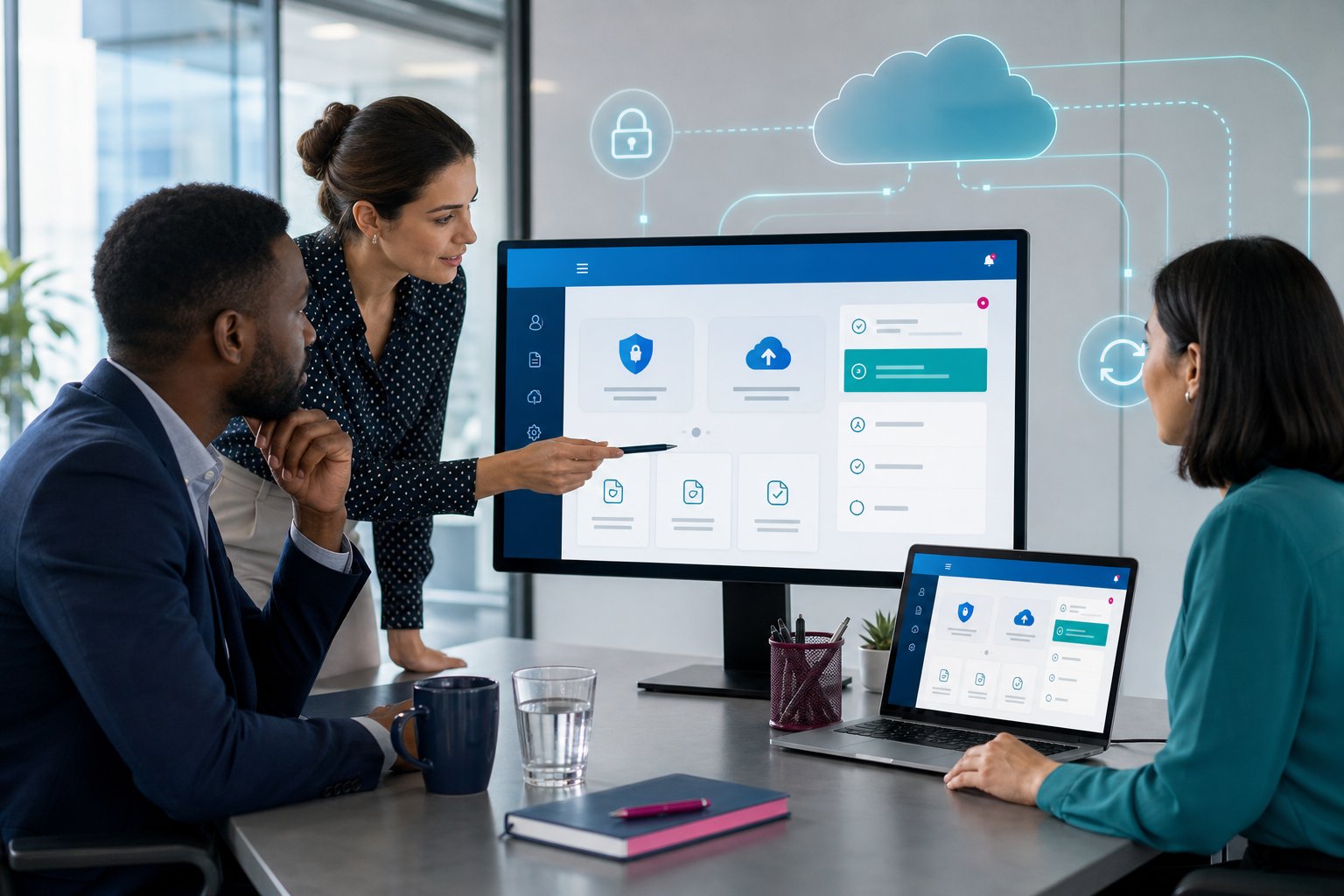
Buying an off-the-shelf portal makes sense when your needs are clear, common and unlikely to change much. If you need standard customer logins, simple document access or basic form submissions, a ready-made tool may cover most of what you need.
This route often suits smaller teams that want to replace email attachments, shared drives or spreadsheets without a large project. For example, a professional services firm may need a secure client area for uploading documents and sharing updates. A standard product can work if the process stays simple.
Buying can also suit organisations with limited internal resource. The supplier usually manages the product, updates and hosting, which means your team spends less time on technical decisions.
But check the fit carefully. If you need deep CRM links, role-based workflows or sector-specific processes, a bought product can become awkward. Our page on client portal development shows where a more controlled approach starts to make sense.
When Building A Bespoke Portal Is The Better Option
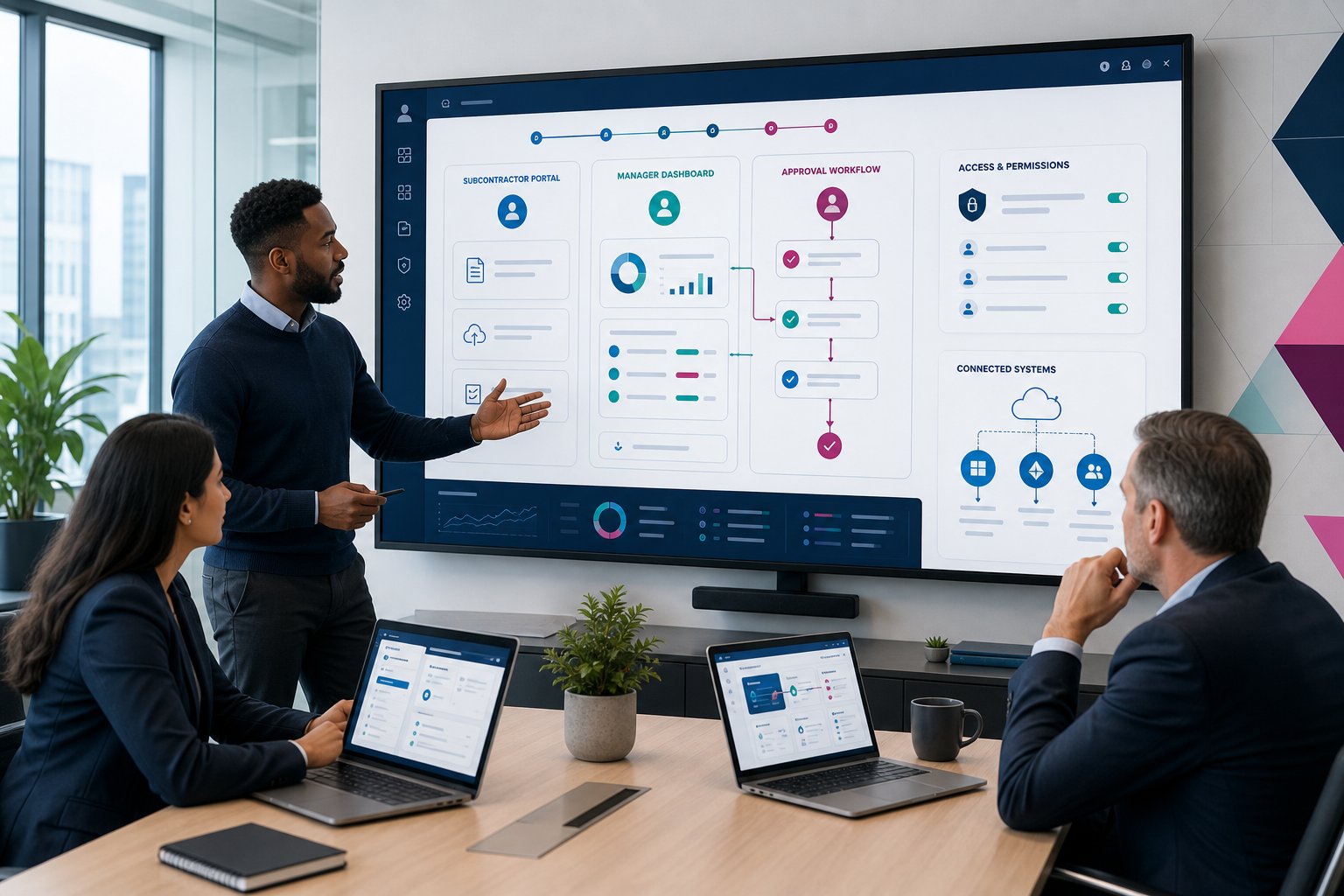
Building a custom portal is the better option when your portal must reflect how your organisation works. This often applies when you have multiple user groups, strict data rules, approval steps, or links to systems such as Microsoft Dynamics 365.
For example, a construction company may need subcontractors to upload compliance documents, site teams to approve them, and managers to view status reports. A healthcare provider may need controlled access to records, forms and service updates. A logistics business may need customers to track requests, documents and tasks from one place.
A custom build gives you control over the workflow, permissions, dashboards and integrations. That means users complete tasks in a way that matches your business, rather than working around software limits.
We often build portals using Microsoft Power Pages and Dynamics 365 integration, especially where clients already use Microsoft systems. Our CRM integrated portals page explains how this reduces duplicate data entry and keeps teams working from the same information.
Cost, Timeline, And Risk: The Practical Trade-Offs

Cost, timeline and risk change depending on how much control you need. Buying often costs less at the start, but the long-term cost can rise if licences, add-ons and workarounds increase. Building usually needs more planning, but it can reduce manual admin and software friction over time.
Upfront Costs Versus Long-Term Value
A bought portal usually has licence fees, configuration costs and support charges. That can make budgeting easier at the start. The trade-off is that you may pay for features you do not need, or hit limits when your process grows.
A custom portal often costs more upfront because it needs discovery, design, development, testing and support. But it can pay back through fewer manual tasks, better data quality and less time spent moving information between systems.
The value becomes clearer when the portal connects to workflows. For instance, workflow automation in portals can route approvals, send reminders and update records, which means your team spends less time chasing emails.
Implementation Speed Versus Flexibility
Buying usually gets you live faster, especially if you accept the product’s standard layout and process. This can work well for a short-term need or a simple use case.
Building takes longer because the portal must map to your users, data and rules. The benefit is flexibility. You can create different access levels, connect data sources and design dashboards that match the decisions your team needs to make.
Risk comes from poor fit, not from either route by itself. A bought tool can fail if users reject the process. A custom project can drift if nobody defines priorities early. Our portal development services start with process review for that reason, so the build stays grounded in real business needs.
How To Decide Which Portal Approach Fits Your Organisation
The right route depends on your users, systems and level of process control. Start with the business need before you compare products or development options.
Use these questions to guide the build vs buy portal decision:
- How many user groups need access? Customers, employees, suppliers, partners and members may all need different permissions.
- Do you need system integration? If the portal must connect to Dynamics 365, finance software or operational systems, a custom route may fit better.
- How unique are your workflows? Standard processes suit bought tools. Approval chains, compliance checks and sector rules often need a custom build.
- How much change do you expect? If your service model will grow, choose an approach that can grow with it.
- Who will support the portal after launch? A portal needs updates, user feedback and ongoing care.
A membership body may choose ready-made software if it needs standard renewals and member access. A service business with client dashboards, document exchange and CRM data may need a custom portal. Our guide to types of web portals can help you compare the options.
At Business Portals, Avrion’s portal development team brings 25+ years of experience, Microsoft Partner status, Cyber Essentials certification and delivery across 650+ solutions. We take a practical view: if buying is the better route, we will say so. If a custom portal gives you better control, we will help you plan it properly.
If you are weighing up options and want a grounded view of what will work for your organisation, explore our portal development service and book a discovery call with our team.
Build vs Buy Portal: Frequently Asked Questions
What does the build vs buy portal decision involve?
The build vs buy portal decision is about choosing between creating a custom portal tailored to your organisation’s processes or purchasing an off-the-shelf product that fits your needs with configuration.
When is buying an off-the-shelf portal the better option?
Buying an off-the-shelf portal suits organisations with clear, standard needs like simple document sharing or form submissions, limited internal resources, and a preference for quick implementation and managed hosting.
Why might building a custom portal be advantageous for my business?
Building a bespoke portal offers greater control over workflows, permissions, and integrations, allowing it to accurately reflect complex or unique business processes and connect smoothly with systems like Microsoft Dynamics 365.
How do cost and timeline compare between building and buying portals?
Buying a portal generally has lower upfront costs and faster deployment but may incur rising long-term fees. Building a portal requires more initial investment and time but can reduce manual tasks and improve data quality over time.
What key factors should I consider when deciding between building or buying a portal?
Consider the number of user groups, need for system integration, uniqueness of workflows, expected changes, and ongoing support capacity to determine which portal approach best fits your organisation.
Can a bought portal handle complex integrations and workflows?
Generally, bought portals are limited in deep integration and complex workflows. For sector-specific approval steps, compliance checks, or CRM integration, a custom-built portal usually provides better flexibility and fit.