Choosing between an intranet and a portal is rarely a pure technology decision. It usually starts with a business problem: staff can’t find documents, clients keep chasing for updates, partners rely on email, or managers lack a clear view of work in progress. The intranet vs portal question matters because each option solves a different type of problem. One mainly supports internal communication and knowledge sharing. The other gives specific groups secure access to data, documents, tasks and services. Here’s how we help UK organisations think it through in plain English.
Key Takeaways
- An intranet is ideal for internal communication, providing employees with a trusted site for company news, policies, and forms, reducing reliance on email and shared drives.
- A portal offers secure, role-based access to specific data, tasks, and services for defined user groups, enabling interaction such as approvals, uploads, and real-time updates.
- The primary difference between intranet vs portal lies in audience and purpose: intranets serve employees with information, while portals support multiple user groups with process-driven self-service.
- Choosing the right solution depends on who needs access and what actions users must perform; use an intranet for staff-only information sharing and a portal for multi-user engagement requiring workflow integration.
- Portals often require more complex planning and integration, especially with systems like Microsoft Dynamics 365, but can significantly reduce manual administration through automation and secure data access.
- UK SMEs benefit from using portals when communication extends beyond the company, while intranets remain valuable for internal policy and knowledge management, sometimes both coexisting effectively.
What An Intranet Is And When It Makes Sense
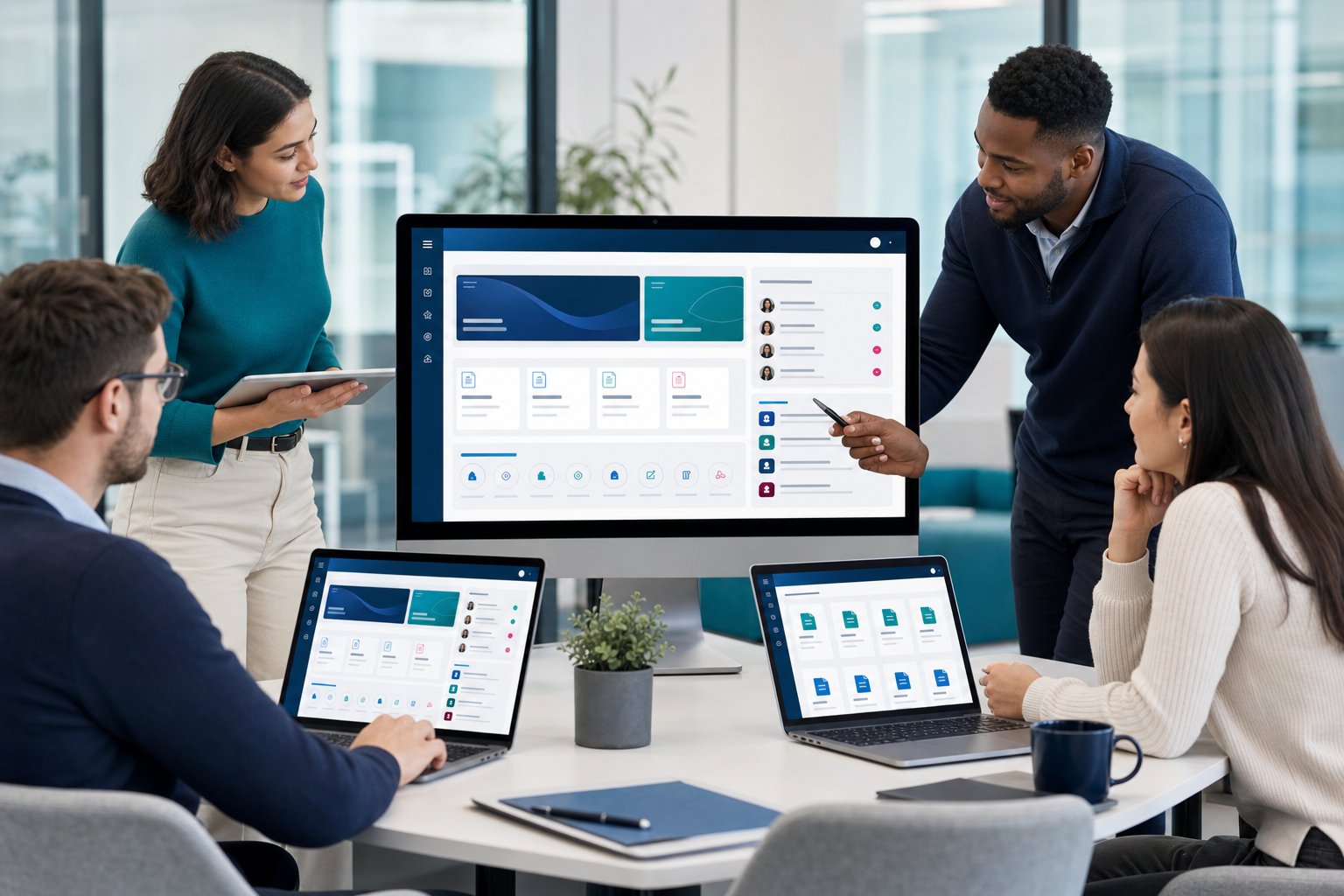
An intranet is a private internal website for employees. It usually holds company news, policies, forms, HR content, training material and internal announcements.
An intranet makes sense when your main issue is internal communication. If your staff ask the same questions every week, work from different sites, or rely on shared drives full of old documents, an intranet can give everyone one trusted place to go.
Typical intranet use cases include:
- Publishing HR policies and staff handbooks
- Sharing internal news and leadership updates
- Giving teams access to forms and templates
- Helping employees find procedures and contacts
For organisations with 50+ staff, an intranet can reduce noise in email and Teams. But it usually doesn’t handle process-heavy work on its own. If you need customers, suppliers or members to log in and complete tasks, you’re probably looking beyond a standard intranet.
For internal team access with workflow and system links, we often discuss internal portals for teams rather than a traditional intranet.
What A Portal Is And How It Differs

A portal is a secure digital workspace that gives defined users access to specific data, documents and actions. Those users might be clients, customers, employees, suppliers, partners or members.
The main difference is interaction. An intranet often publishes information. A portal lets people do things. They can upload files, view live case updates, approve requests, make bookings, complete forms or see dashboards linked to business systems.
A portal can connect with Microsoft Dynamics 365, which means your team can show CRM data to the right user without asking staff to copy and paste updates. It can also include secure login for portals, document sharing, reporting and workflow automation.
This makes portals useful for organisations that want to reduce manual admin. For example, a construction firm might use a supplier portal for compliance documents. A professional services firm might use client portal development to share project updates and files safely.
Intranet Vs Portal: Key Differences For Business Decision-Makers
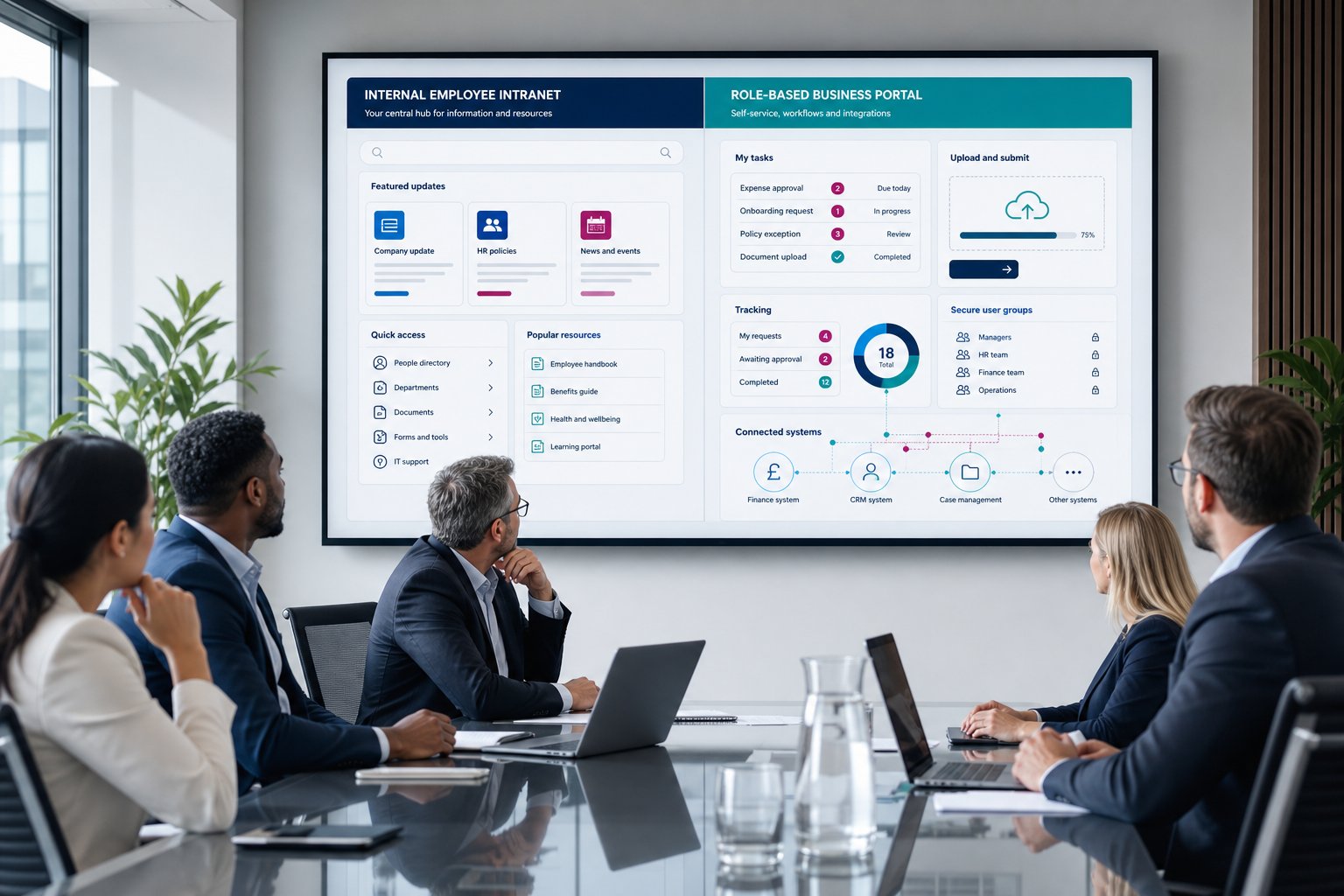
The main intranet vs portal difference is audience and purpose. An intranet serves employees. A portal serves a defined user group and usually supports a process.
| Area | Intranet | Portal |
|---|---|---|
| Main audience | Employees | Clients, customers, partners, members, suppliers or staff |
| Main purpose | Share internal information | Give users access to data, tasks and services |
| Access | Internal users only | Role-based access for different groups |
| Interaction | Mostly read and search | Submit, approve, upload, track and report |
| System links | Often limited | Commonly linked to CRM, finance or case systems |
| Best fit | Communication and knowledge | Process improvement and self-service |
The difference matters because the wrong choice can create extra work. If you build an intranet when you need a client portal, staff may still manage updates by email. If you build a portal when you only need a policy hub, you may spend money on features your team won’t use.
We usually start by mapping who needs access, what they need to do, and which systems hold the source data. That tells us whether a simple intranet, an employee portal, or a wider business web portal is the better route.
Common Use Cases For UK SMEs

UK SMEs often need portals when communication crosses company boundaries. That is where email chains, spreadsheets and shared folders start to break down.
Common examples we see include:
- Professional services: client portals for documents, approvals and project updates
- Construction: supplier portals for certifications, RAMS documents and site forms
- Healthcare: patient or provider portals for controlled access to records and requests
- Logistics: customer portals for job tracking, documents and service requests
- Membership bodies: member portals for renewals, content and event access
An intranet may still help the same organisation. A healthcare provider, for example, may use an intranet for staff policies and a portal for external partners. The two can sit side by side if each has a clear job.
For organisations with external users, our customer portal development and partner portal development work often focuses on reducing repeat queries, improving visibility and giving users a secure place to self-serve.
Cost, Timeline And Implementation Considerations

A portal usually needs more planning than an intranet because it handles access, data and process. That doesn’t make it the wrong choice. It just means you need a clear scope before work starts.
Cost and timeline depend on several factors:
- Number of user groups and permission levels
- Integration with CRM, finance or line-of-business systems
- Document sharing and audit requirements
- Workflow steps, such as approvals or case updates
- Reporting dashboards and AI-led features
- Security needs and hosting approach
An intranet project may move faster if it mainly involves content structure, search and employee access. A portal project often includes workshops, process mapping, data design, build, testing and user training.
Microsoft Power Pages can be a strong fit if you already use Dynamics 365 or Microsoft 365. It gives us a secure foundation for external-facing portals, which means we can focus more time on your workflows and less time rebuilding standard access controls.
For wider planning, our guide to the portal development timeline explains what usually happens from discovery to go-live.
How To Choose The Right Option For Your Organisation
Choose an intranet if your main need is internal communication. Choose a portal if users need to log in, complete tasks or view live information. That simple test gets most organisations close to the right answer.
Ask these questions before you commit:
- Who needs access: staff only, or external users too?
- Do users need to read information or take action?
- Does the workspace need data from Dynamics 365, CRM or another system?
- Are permissions different by role, account, region or membership level?
- Will the solution reduce manual admin, or just move it somewhere else?
If your answer points to external users, controlled permissions and system data, a portal is usually the better fit. If your answer points to staff updates, policies and internal content, an intranet may be enough.
We’ve delivered 650+ solutions across 450+ customers, and the best projects usually start with process clarity rather than software preference. As a UK Microsoft Partner and Cyber Essentials certified team, we help organisations choose a practical route, including CRM integrated portals where live business data needs to sit at the centre.
Conclusion
The intranet vs portal decision comes down to purpose. If you need a better internal information hub, choose an intranet. If you need secure access, self-service, system data and workflow for a defined group, choose a portal.
Ready to assess the right fit? We build custom portals using Microsoft Power Pages, Dynamics 365 integration, workflow automation and AI-led features where they make sense. If you’re researching options or ready to discuss a project, speak to us about portal development.
Frequently Asked Questions about Intranet vs Portal
What is the main difference between an intranet and a portal?
An intranet is an internal website mainly for employees to access information and communicate, while a portal provides secure, role-based access for users like clients, partners, or suppliers to interact with data, complete tasks, and access services.
When should a UK organisation choose an intranet over a portal?
Choose an intranet if your primary need is improving internal communication, publishing company news, HR policies, and helping staff find documents. It suits organisations focused on sharing information internally rather than supporting external interactions or workflows.
How do portals improve business processes compared to intranets?
Portals enable users to securely log in, submit forms, approve requests, view live updates, and access CRM or finance data, reducing manual admin and improving processes. In contrast, intranets mainly provide static information without interactive workflows.
Can an organisation use both an intranet and a portal simultaneously?
Yes, organisations often use both side by side for different purposesâfor example, an intranet for internal staff policies and announcements, and a portal to give external partners or clients controlled access to project updates and documents.
What factors influence the cost and timeline of developing a portal versus an intranet?
Portals typically require more planning, including user role definitions, system integrations, workflow mapping, security, and user training, resulting in longer timelines and higher costs. Intranets usually involve simpler content structure and internal access, leading to quicker implementation.
How does integration with Microsoft Dynamics 365 benefit a portal solution?
Integrating with Dynamics 365 allows portals to display live CRM data securely to the right users without manual updates, enabling real-time access to client info, case updates, and workflows, improving efficiency and reducing data duplication in business processes.