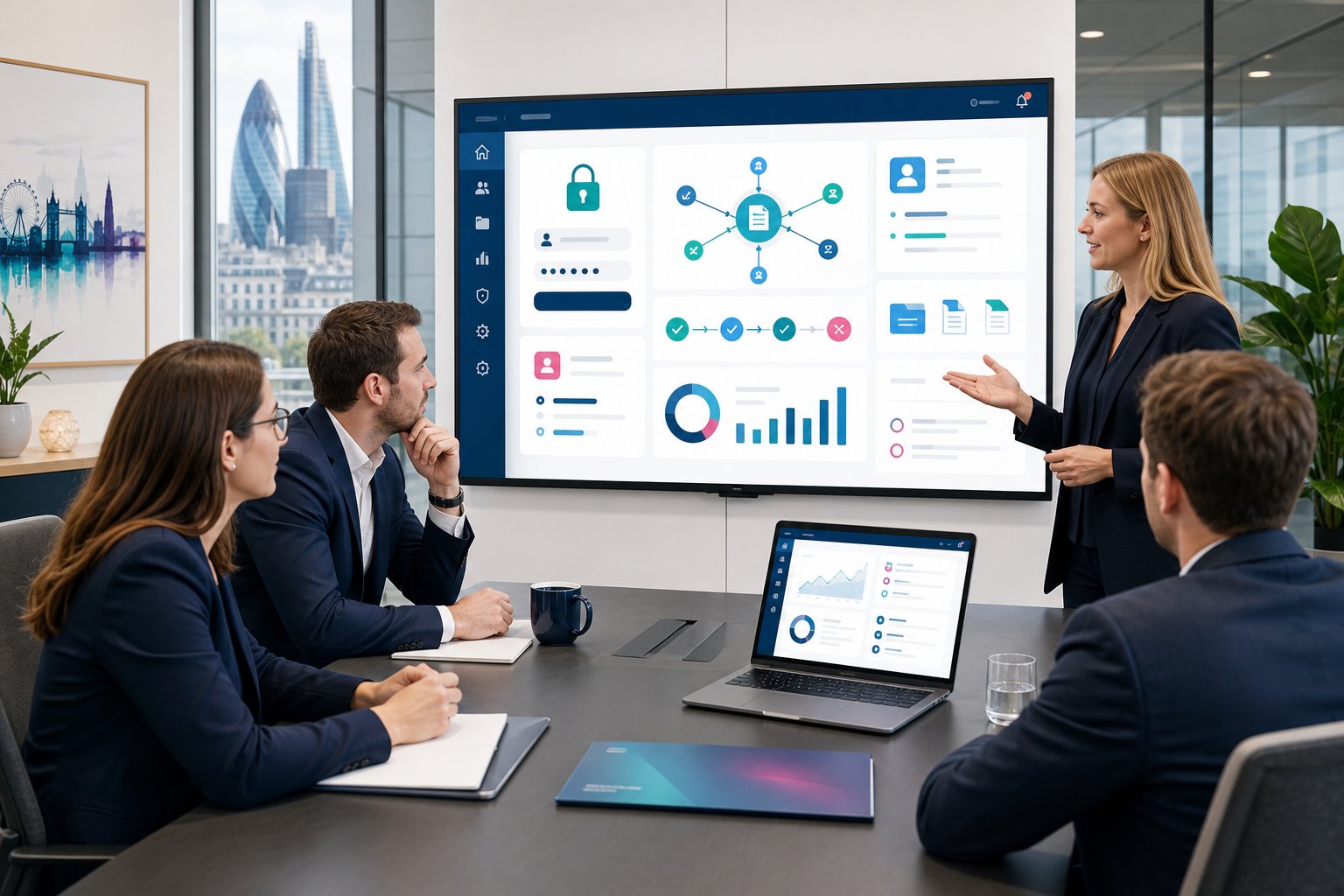
If your team still handles customer requests through shared inboxes, spreadsheets, PDFs and repeated phone calls, you’ve probably felt the gap a portal can fill. The question is usually simple: what is a web portal, and would it actually help your organisation?
A web portal gives selected users a secure online space where they can log in, view information, complete tasks and exchange documents. In this guide, we explain how portals differ from websites, why businesses use them, which types exist, and how to judge whether one fits your operation.
Key Takeaways
- A web portal is a secure, private online platform that allows authorised users to access personalised information, complete tasks, and exchange documents, unlike public websites that mainly share general information.
- Businesses use web portals to streamline operations, reduce manual administration, and improve communication by giving customers, employees, suppliers, and partners a central place to manage requests and information.
- Common types of web portals include client portals for customers and members, employee portals for internal staff tasks, and supplier or partner portals for managing collaborations and compliance.
- Essential features of an effective business web portal include secure login with user permissions, document sharing, CRM integration, workflow automation, and often AI capabilities to enhance usability.
- A web portal is suitable for organisations that handle frequent, repetitive information requests or document exchanges, particularly when multiple user roles require controlled access and process automation.
- Integrating web portals with existing systems like Microsoft Dynamics 365 ensures data accuracy and reduces duplication, making portal use more efficient and aligned with real business processes.
What A Web Portal Is And How It Differs From A Website
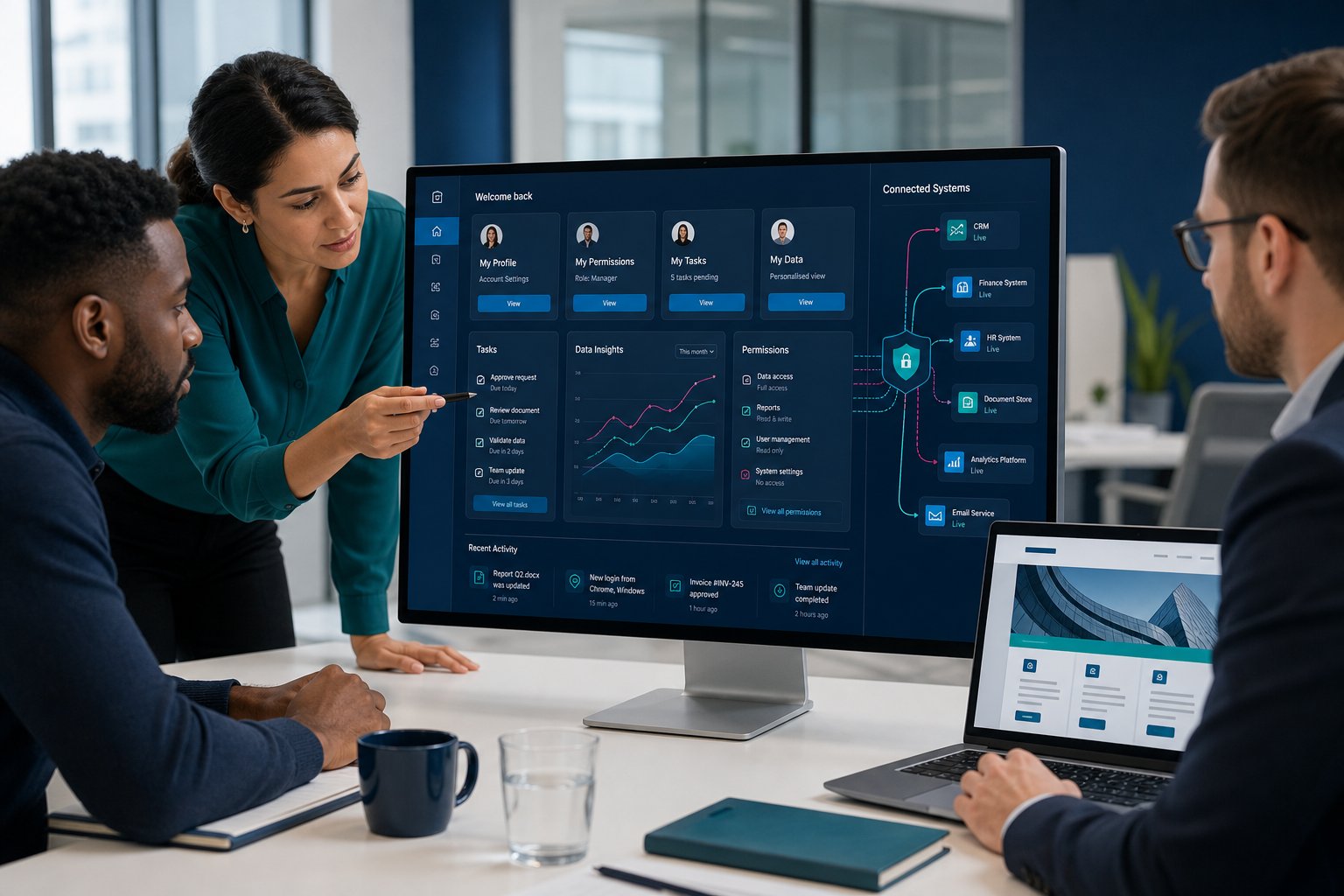
A web portal is a secure online hub for specific users, while a website is usually a public information channel. That difference matters because a portal handles tasks, data and permissions, not just pages of content.
A standard website might explain your services, list contact details and help people enquire. A portal lets a logged-in customer view orders, a supplier upload documents, or an employee request approval. The portal can also connect with systems such as Microsoft Dynamics 365, which means users see current records without asking your team to check them manually.
We often explain it like this: a website says, “Here is who we are.” A portal says, “Here is your information, and here is what you can do next.”
If you want a broader view of portal models, our guide to business web portals explains how different organisations use them in day-to-day work.
Why Businesses Use Web Portals
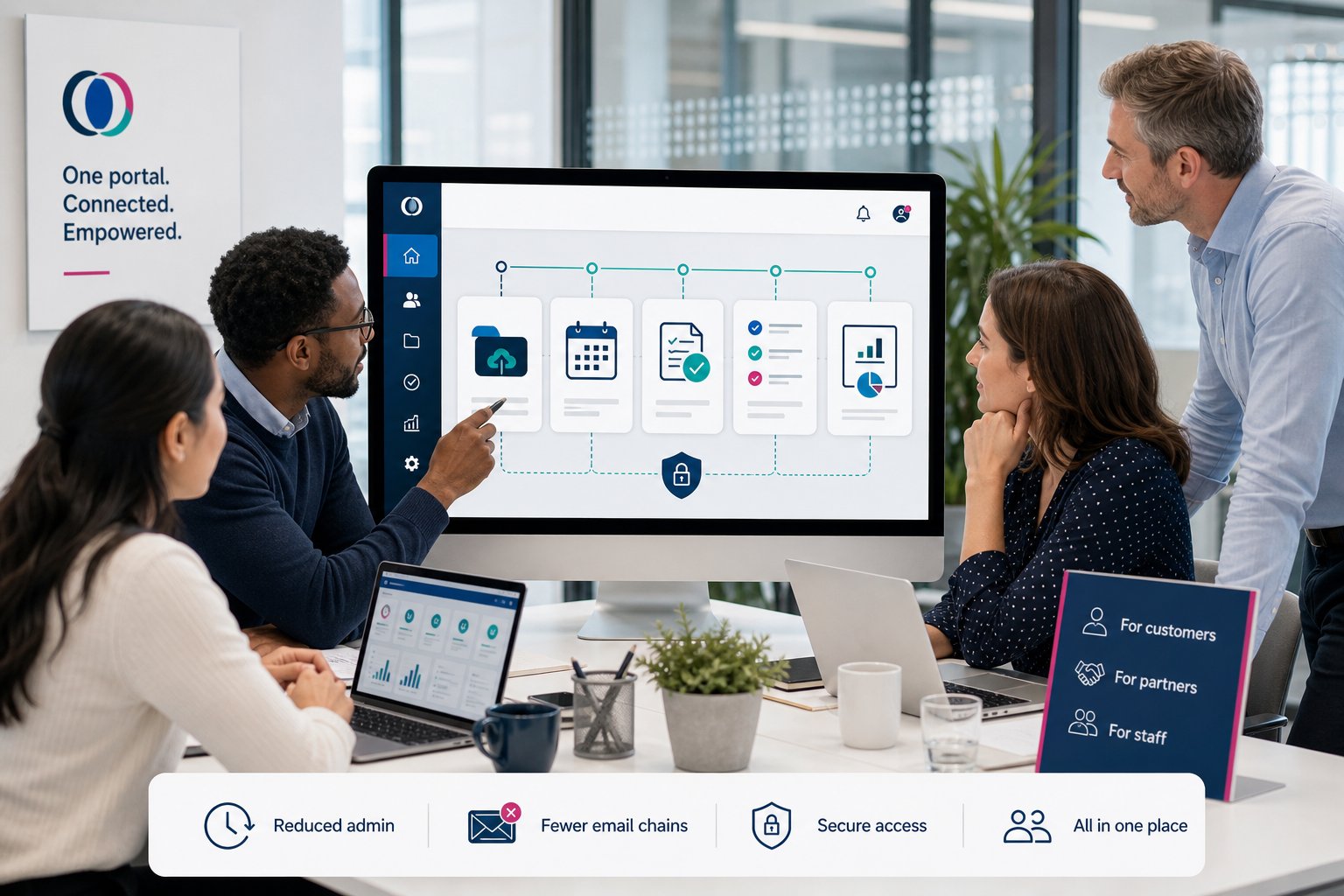
Businesses use web portals to reduce manual admin, improve access to information and give users a better way to interact with their organisation. The gains usually come from removing repeated requests that drain staff time.
For example, a construction firm may use a portal so subcontractors can upload compliance documents. A healthcare provider may give service users secure access to forms and appointments. A professional services firm may let clients review files, approve work and download reports.
This means fewer email chains, fewer version-control problems and less time spent chasing updates. It also gives customers, partners or staff a single place to go, which reduces confusion.
The strongest portal projects usually start with a clear process problem. If users often ask for the same documents, status updates or approvals, a portal may remove that friction. Our portal development services focus on mapping those processes before any build starts.
Common Types Of Web Portals

Most web portals fall into groups based on who uses them and what job they need to complete. The label matters less than the process behind it, but it helps to understand the main options.
Client Portals For Customers, Members, And Service Users
A client portal gives external users secure access to their own information, documents and tasks. This suits organisations that manage ongoing relationships, such as accountants, consultants, legal firms, healthcare providers and membership bodies.
Typical uses include document exchange, case updates, invoices, service requests, booking forms and approvals. This means your clients do not need to search email threads or call your team for routine updates.
A client portal development project usually works best when you already know which client requests take the most staff time. Membership organisations may need similar functions, but with renewals, events and member-only content, which is where membership portal development can fit.
Employee, Supplier, And Partner Portals For Internal Operations
Internal and supply-chain portals help people outside one central team complete work without relying on email. Employee portals can cover HR forms, policies, requests, training records and internal updates. Supplier portals can manage documents, job status, purchase information and compliance checks.
Partner portals work well for distributors, franchise networks and service partners that need controlled access to shared resources. This means each user sees the right information without exposing records they should not access.
For teams managing internal requests, employee portal development can cut delays caused by manual routing. For channel-led businesses, partner portal development can give partners a clearer way to request support, register opportunities and share updates.
Key Features To Look For In A Business Web Portal

A good business web portal should combine secure access, clear user journeys and strong links to your existing systems. Features only help if they support the way your organisation works.
The most common portal features include:
- Secure login and user permissions, so each person can only access the right data
- Document sharing, so files stay in one controlled place
- CRM integration, so portal activity links back to customer or contact records
- Dashboard reporting, so managers can see workload, requests and status
- Workflow automation, so approvals and alerts move without manual chasing
- AI functionality, where it can help users search, triage requests or surface relevant information
Security deserves early attention. With secure login portals, you can manage roles, access levels and authentication properly from the start. If users exchange files, document sharing portal features help reduce the risk of lost attachments or outdated versions.
Integration also matters. A portal that connects with your CRM gives your team one source of truth, which means fewer duplicate records and fewer manual updates. We often build portals with Microsoft Power Pages and Dynamics 365 because many UK organisations already use Microsoft tools.
How To Decide Whether A Web Portal Is Right For Your Organisation
A web portal is right for your organisation if users need secure self-service access to information, documents or processes on a regular basis. If the need is occasional or simple, a website form or shared folder may be enough.
Start by looking at the work your team repeats every week. Common signs include:
- Staff copy information between systems
- Customers ask for status updates by email or phone
- Suppliers send documents in inconsistent formats
- Managers lack a clear view of open requests
- Users need different access levels based on role
Next, check your user numbers and process volume. A portal often suits organisations with regular external users, 50+ internal users, or processes that involve approvals, documents and reporting. It can also suit smaller teams if the admin burden is high or the customer experience feels clunky.
We bring over 25 years of experience at Avrion, with 650+ solutions delivered and 6,500+ active users supported. As a UK Microsoft Partner and Cyber Essentials certified team, we focus on practical portal builds that connect with real business systems, rather than isolated tools.
If you are still comparing options, our article on website vs web portal may help you frame the decision internally. You can also review different portal development options if you are starting to shape a business case.
Ready To Discuss What Is A Web Portal For Your Organisation?
If you are researching what is a web portal and whether it fits your processes, we can help you assess the opportunity without rushing the decision. Our team builds custom portals using Microsoft Power Pages, Dynamics 365 integration, workflow automation and AI-led functionality where it adds practical benefit. To discuss your goals and next steps, speak to our portal development team.
Frequently Asked Questions about Web Portals
What is a web portal and how does it differ from a website?
A web portal is a secure online space for specific users to access information, complete tasks, and exchange documents. Unlike a website, which mainly provides public information, a portal manages user data, permissions, and actions tailored to each user.
Why do businesses use web portals?
Businesses use web portals to reduce manual administration, improve information access, and streamline interactions, saving staff time by reducing repeated requests and providing users with a single, organised platform for tasks and communication.
What are the common types of web portals used by companies?
Common web portals include client portals for customers to access their information, employee portals for internal HR and workflows, supplier portals for document management, and partner portals for controlled shared access across franchises or distributors.
What key features should a business look for in a web portal?
Important features include secure logins, document sharing, CRM integration, workflow automation, dashboard reporting, and AI functionalities that help search and triage requests, all tailored to support your organisation’s specific processes securely.
How can I decide if a web portal is right for my organisation?
Consider a web portal if your users need regular, secure self-service access to documents or processes and if your team frequently repeats manual tasks or handles many external users. Portals benefit organisations needing multiple access levels and process automation.
Can web portals integrate with existing business systems?
Yes, web portals often integrate with systems like Microsoft Dynamics 365 and CRM tools, providing a single source of truth, reducing duplicate records, and enabling seamless updates, which improves efficiency and data accuracy across the organisation.