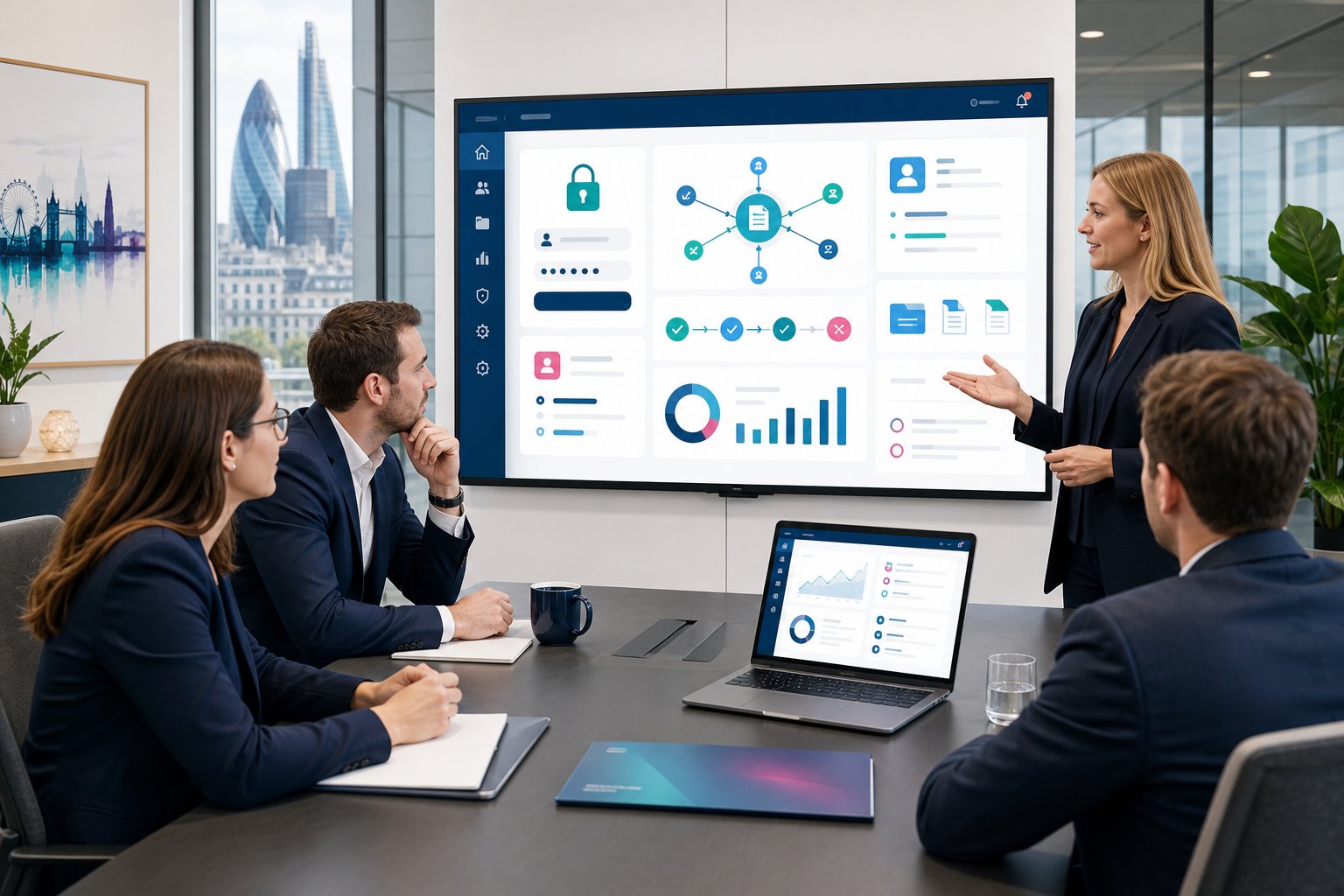
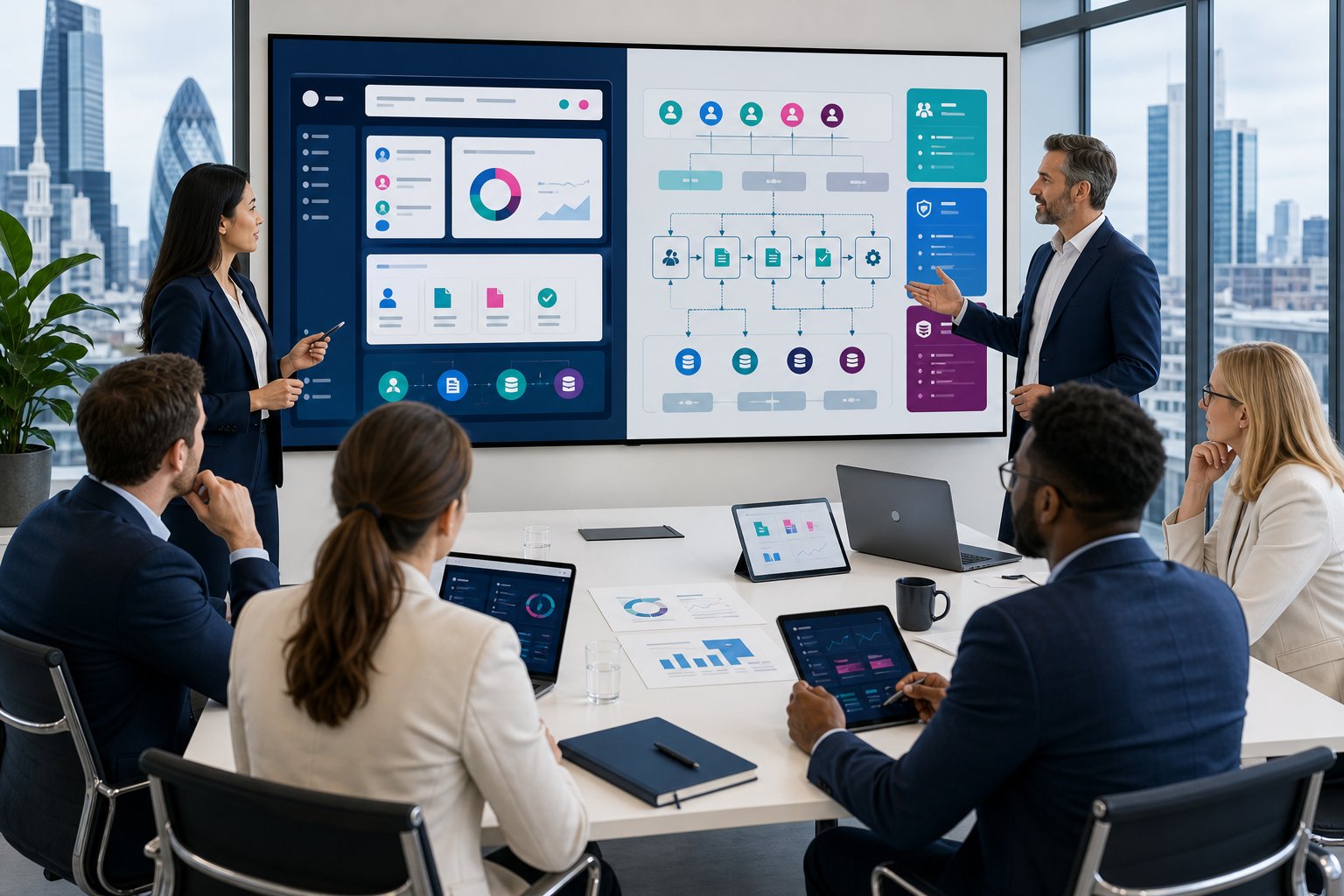
Choosing between the different types of web portals can feel harder than it should. One team wants better client communication, another wants staff to stop chasing documents by email, and finance wants fewer manual updates between systems. The right portal depends on who will use it, what they need to do, and which systems must connect behind the scenes. In this guide, we explain the main portal categories we build for UK organisations, where each one fits, and how to choose a practical starting point without overcomplicating the project.
Key Takeaways
- Types of web portals include client, customer, employee, partner, supplier, contractor, and industry-specific portals, each serving distinct user needs.
- A client portal enhances service relationships by allowing document exchange and project updates, while customer portals manage high-volume orders and requests efficiently.
- Employee portals centralise internal tools, documents, and workflows, improving staff self-service and process control across organisations.
- Partner, supplier, and contractor portals enable secure collaboration with external parties, controlling access and improving record keeping.
- Integrating web portals with systems like Microsoft Dynamics 365 and using technologies like Microsoft Power Pages ensures secure access and seamless data connection.
- Choosing the right web portal depends on identifying user groups, key tasks, data needs, and system integrations to streamline operations effectively.
What Makes A Web Portal Different From A Standard Website?
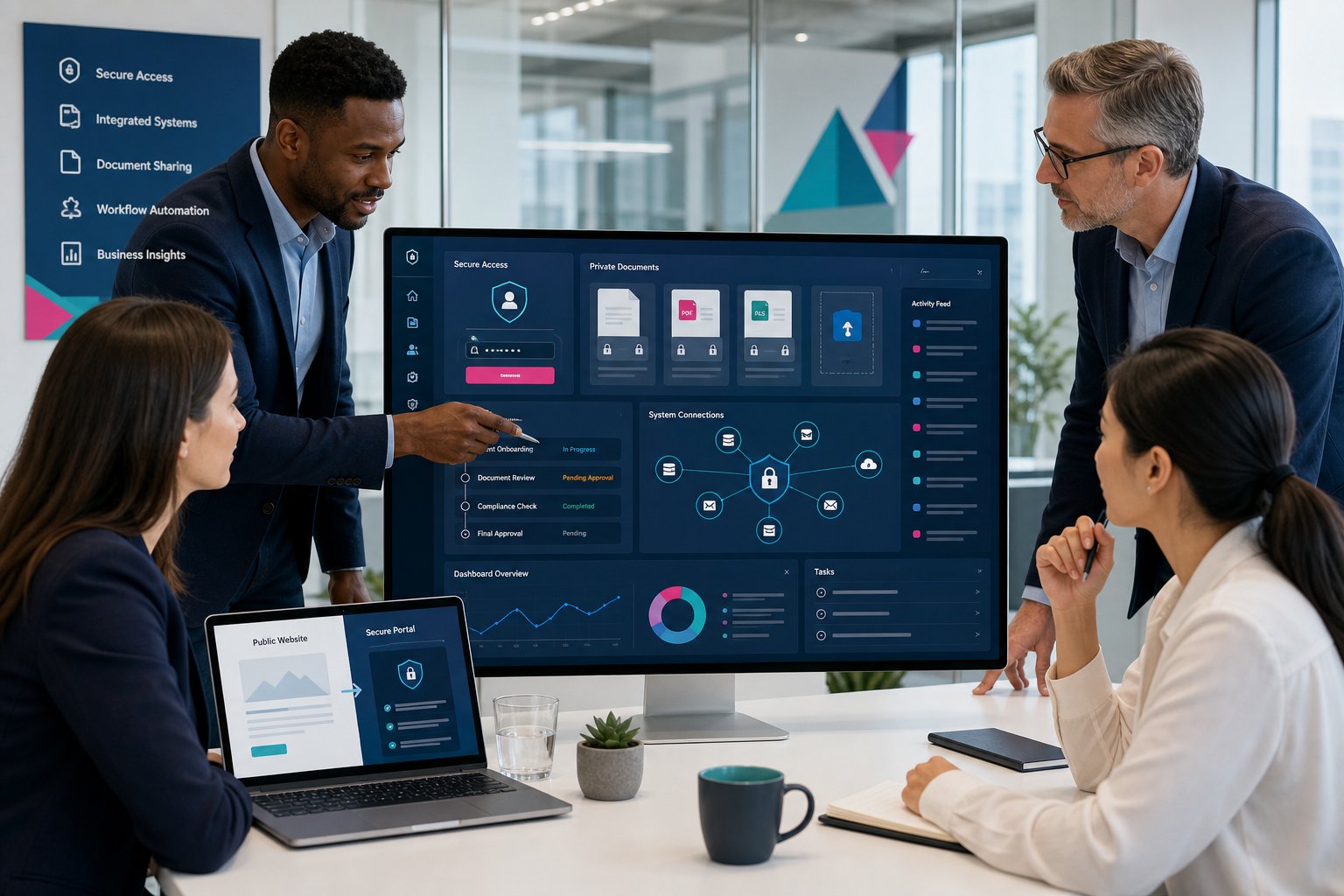
A standard website usually shares information. A web portal lets approved users log in, view private information, complete tasks, upload documents, and interact with your organisation through a secure online area.
That difference matters. A public website might explain your services, publish case studies, or collect enquiries. A portal sits closer to your operations. It can connect with Microsoft Dynamics 365, SharePoint, accounting tools, booking systems, or other business software, which means users can see relevant information without asking your team to send it manually.
Common portal features include:
- Secure login, so each user sees the right records and documents
- Document sharing, so files stay in one controlled place
- CRM integration, so portal activity updates your internal systems
- Dashboard reporting, so managers can track work, cases, orders, or requests
- Workflow automation, so approvals and notifications happen with less admin
If you are still comparing the basics, our guide to what a web portal is explains the concept in more detail.
Client And Customer Portals
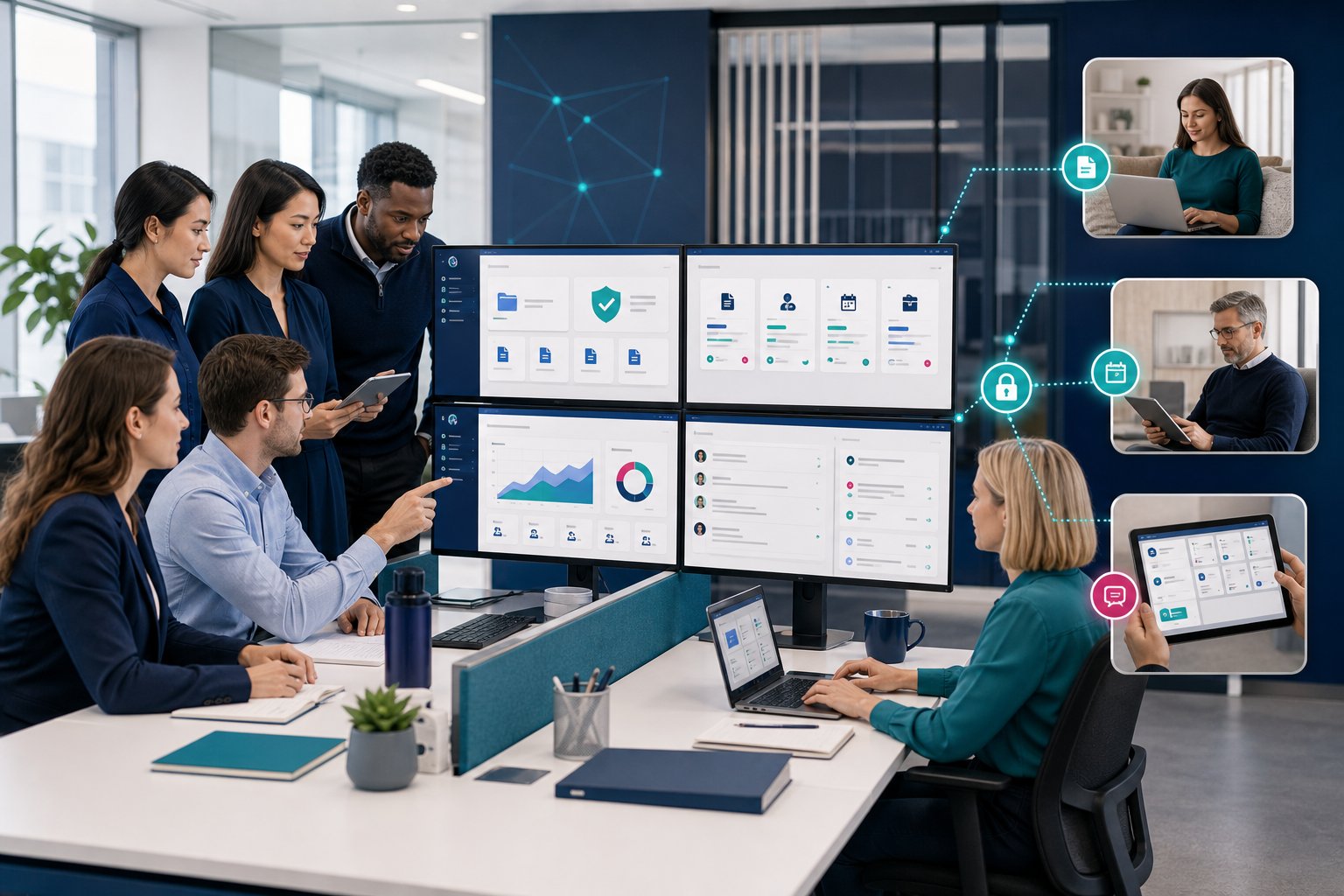
Client and customer portals give people outside your organisation a secure place to manage their relationship with you. The two terms overlap, but we usually see a difference in how businesses use them.
Client portals suit service-led businesses, such as accountants, consultants, legal firms, engineering companies, and managed service providers. They often include document exchange, case updates, approvals, project dashboards, and message threads. This means your team spends less time searching inboxes and more time doing chargeable work. Our client portal development page explains how these portals work in practice.
Customer portals suit organisations that handle orders, bookings, service requests, returns, subscriptions, or account updates at scale. A customer can log in, check progress, raise a request, or update details without phoning your support team. For ecommerce, repairs, facilities, and field service businesses, this can reduce repeat queries and improve response times. You can see this in more context on our page about customer portal development.
Employee And Internal Business Portals
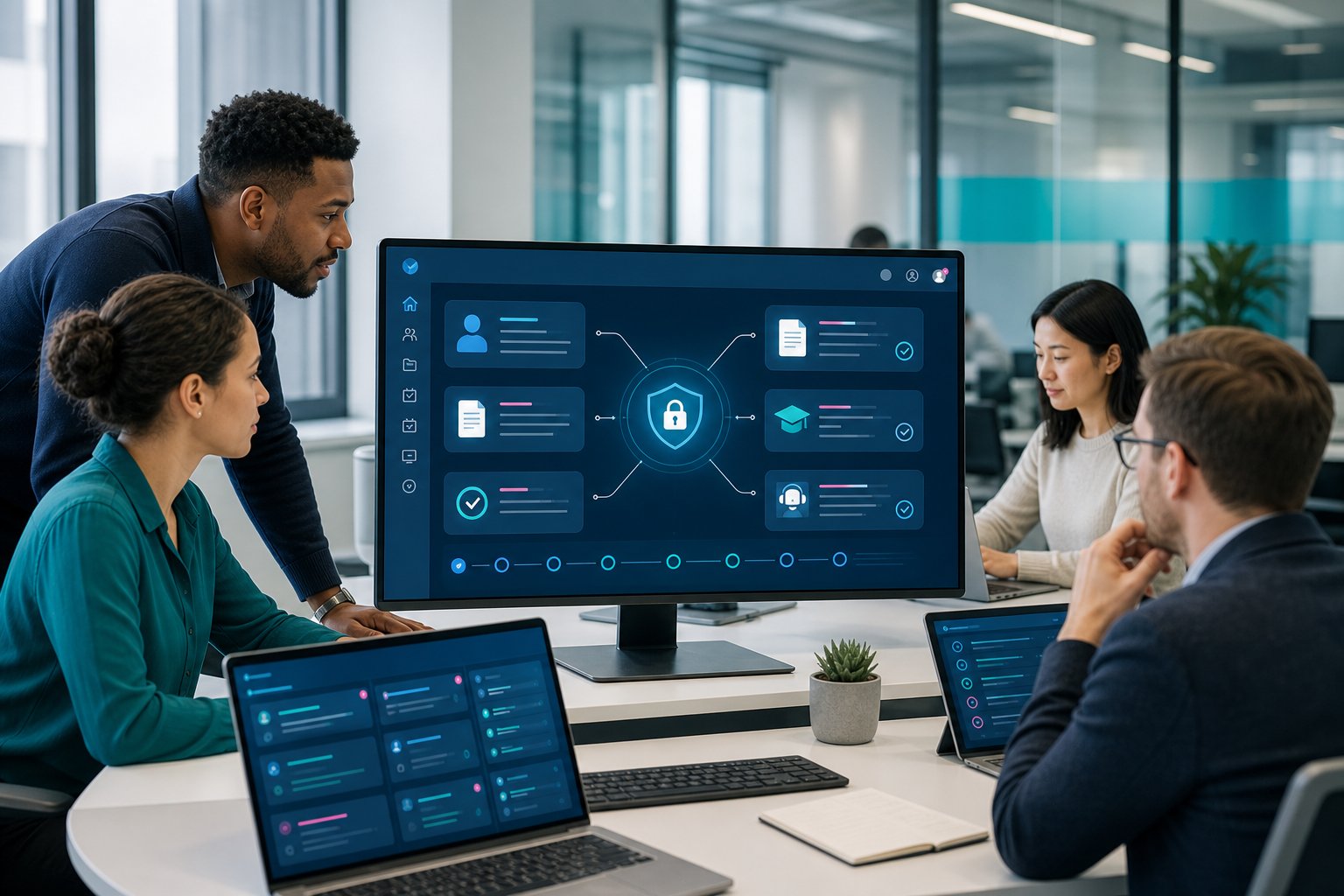
Employee and internal business portals help your teams access the tools, documents, forms, and updates they need in one secure place. They work well when information currently sits across email, shared drives, spreadsheets, and separate apps.
An internal portal might include HR forms, policy documents, holiday requests, training records, IT tickets, equipment requests, internal dashboards, and department pages. This means staff can self-serve routine tasks instead of asking managers or admin teams for the same information again and again.
For operations leaders, the bigger gain often comes from process control. A portal can guide users through the right steps, record approvals, and send reminders when something needs attention. That helps reduce gaps caused by missed emails or out-of-date spreadsheets.
We often see internal portals work best for organisations with multiple sites, hybrid teams, or field-based staff. Our employee portal development service covers these use cases, and our page on internal portals for teams gives more practical examples.
Partner, Supplier, And Contractor Portals
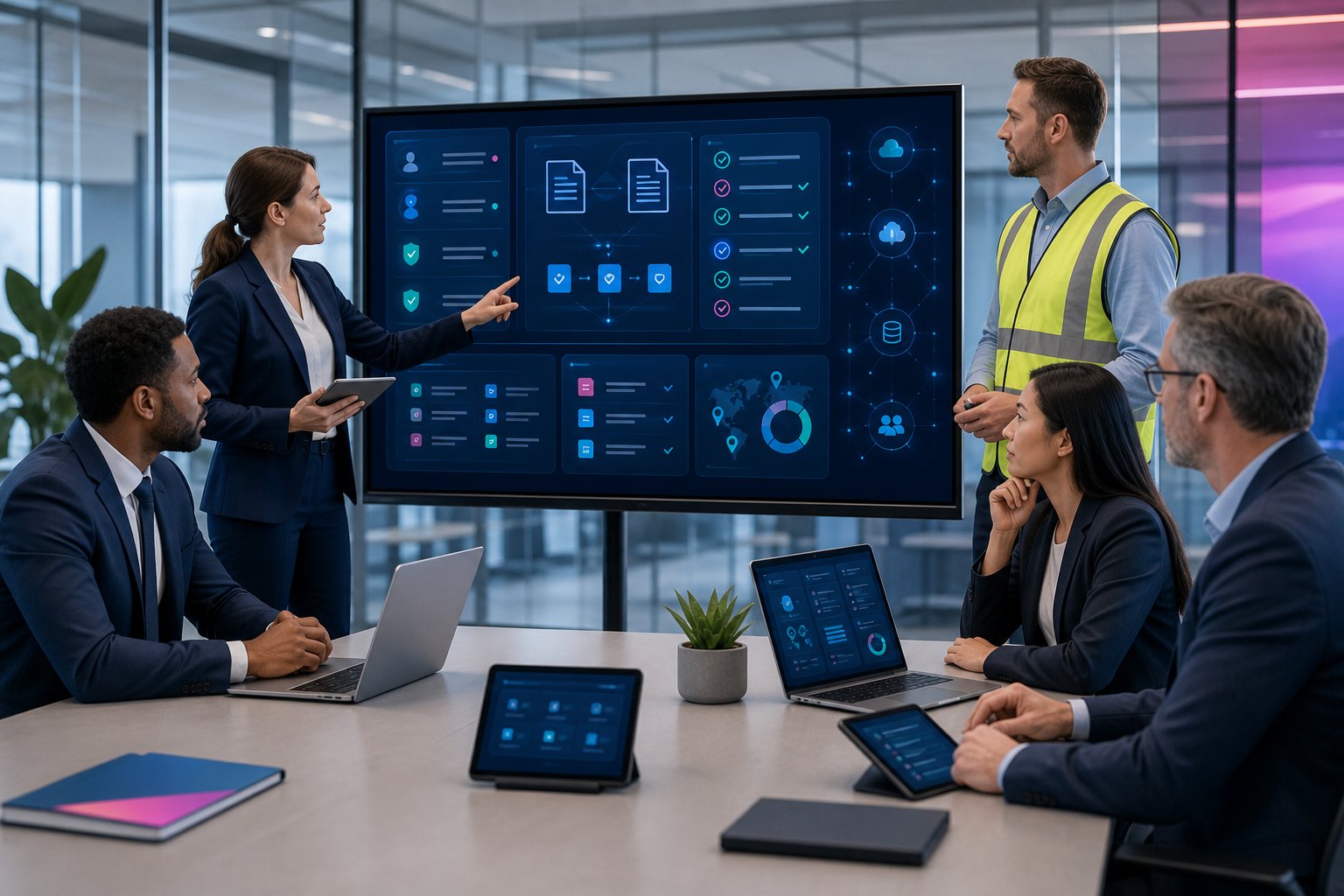
Partner, supplier, and contractor portals give external business contacts a controlled way to work with your organisation. They are useful when you need outside parties to submit information, access shared documents, view tasks, or update records without full access to your internal systems.
A construction company might use a contractor portal for RAMS documents, site forms, compliance checks, and job updates. A distributor might use a partner portal for sales resources, order visibility, deal registration, and support requests. A logistics business might use a supplier portal for delivery updates, proof of delivery, and issue reporting.
The main benefit is control. You can give each partner, supplier, or contractor access to the right information only, while keeping a clear record of what they submitted and when.
For organisations that rely on a network of external teams, this reduces repeated chasing and improves record keeping. Our partner portal development work often includes secure access rules, document workflows, and CRM-connected reporting.
Industry-Specific Portals For Healthcare, Construction, Logistics, And Professional Services
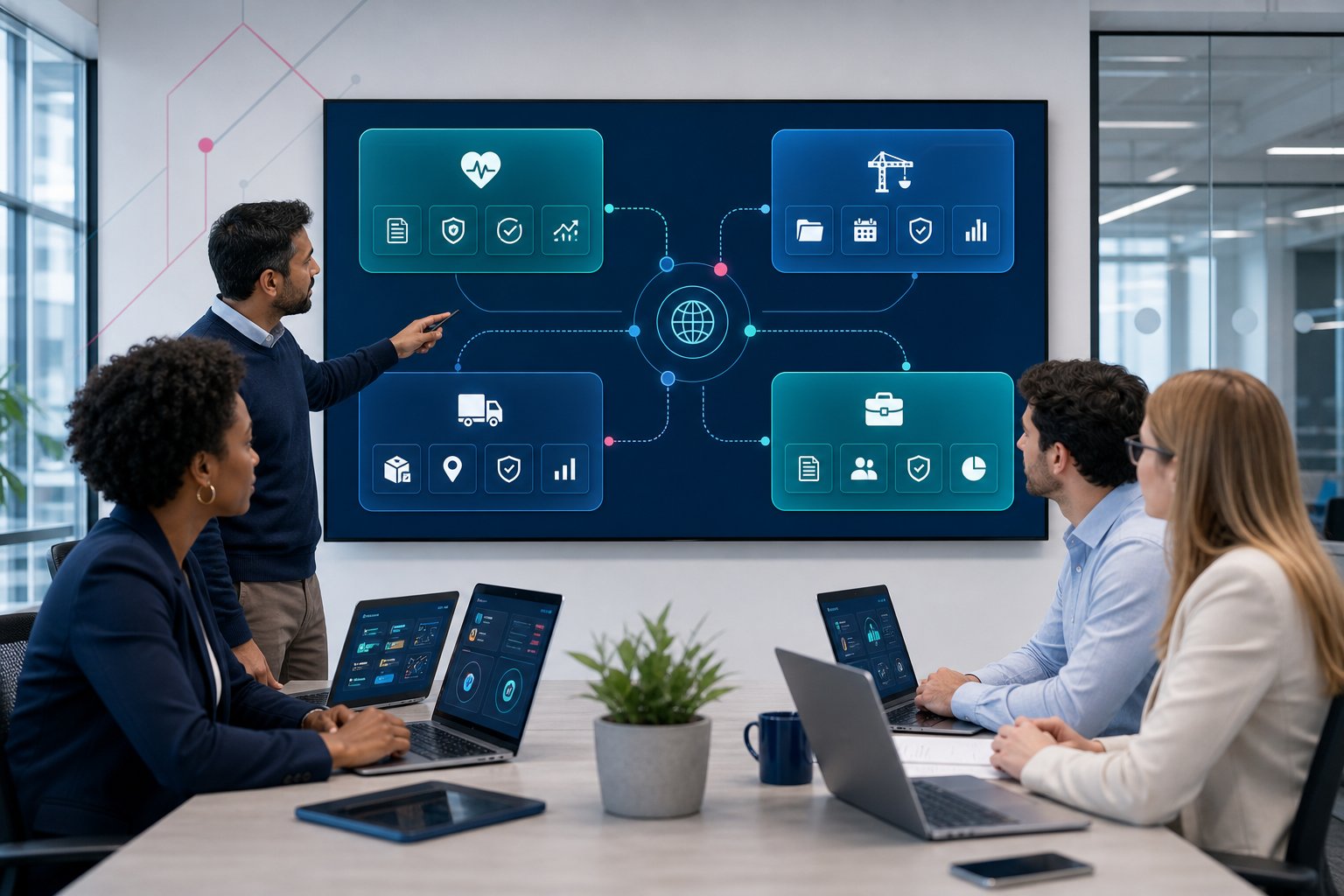
Industry-specific portals work best when the portal reflects how your sector handles data, documents, approvals, and compliance. The underlying technology may be similar, but the day-to-day processes can look very different.
In healthcare, portals often need controlled access, audit trails, appointment requests, referral information, and secure document exchange. In construction, portals may support project files, site forms, subcontractor records, health and safety documents, and progress updates. Our page on construction portals shows how this can support project teams and external contractors.
Professional services firms often want client areas for document review, task tracking, billing information, and approval requests. Logistics and waste management organisations may need booking forms, service updates, collection records, and customer reporting.
The sector matters because it shapes the portal’s structure. A generic login area may solve a small problem, but a portal linked to real workflows can remove daily friction. We build portals for different UK industries by starting with the process first, then choosing the right technology.
How To Choose The Right Type Of Web Portal For Your Organisation
The right portal type depends on the user group, the process, and the systems behind it. Start by asking one plain question: who needs secure access to what, and what action should they take once they log in?
A client portal suits organisations that manage ongoing service relationships. A customer portal suits higher-volume service, order, or account queries. An employee portal suits internal teams that need one place for forms, files, and updates. Partner and supplier portals suit organisations that work through third parties and need better control over shared information.
Next, look at your current systems. If you already use Microsoft Dynamics 365, Microsoft Power Pages can be a strong fit because it can connect portal users with CRM data while keeping permissions controlled. We often recommend this route when organisations want a secure, Microsoft-based portal that links to existing records.
Before choosing, map three things:
- The top tasks users need to complete
- The data your team needs to capture or display
- The systems the portal must connect with
Our portal development services cover these planning steps before build work starts.
Conclusion
The main types of web portals serve different groups, but they all share one purpose: giving the right people secure access to the right information, with fewer manual steps. A good portal should match your real processes, connect with the systems your team already uses, and make work easier for users on both sides of the login screen.
At Business Portals, we are part of Avrion, a UK Microsoft Partner with 25+ years of experience, 650+ solutions delivered, 6,500+ active users, and 450+ customers. Our work covers custom portal development, Microsoft Power Pages, Dynamics 365 integration, secure login, reporting, workflow automation, and AI-led functionality.
FAQs
What are the main types of web portals?
The main types include client portals, customer portals, employee portals, partner portals, supplier portals, contractor portals, membership portals, and industry-specific portals.
What is the difference between a client portal and a customer portal?
A client portal usually supports ongoing service relationships, while a customer portal often supports orders, bookings, account updates, or service requests at a higher volume.
Can a web portal connect to Microsoft Dynamics 365?
Yes. A portal can connect with Dynamics 365, which means users can view or update approved CRM information through a secure online area.
Is Microsoft Power Pages suitable for business portals?
Power Pages can suit organisations that already use Microsoft systems and want a secure portal connected to business data, forms, workflows, and user permissions.
Ready To Explore The Right Portal Type?
If you are researching the best portal route for your organisation, we can help you turn the options into a clear plan. We build custom portals using Microsoft Power Pages, Dynamics 365 integration, workflow automation, secure access, reporting, and AI-led features where they make sense. Start a conversation with our team through our portal development service and we will help you assess what will, and will not, work for your organisation.
Frequently Asked Questions about Types of Web Portals
What are the main types of web portals used by UK organisations?
The main types of web portals include client portals, customer portals, employee or internal business portals, partner portals, supplier portals, contractor portals, and industry-specific portals tailored for sectors such as healthcare, construction, and logistics.
How does a client portal differ from a customer portal?
A client portal typically supports ongoing service relationships for service-led businesses, providing document exchange and project updates, while a customer portal handles higher-volume activities like orders, bookings, and service requests to improve response times and reduce repeated queries.
Can web portals be integrated with Microsoft Dynamics 365?
Yes, many business portals can connect with Microsoft Dynamics 365, allowing users to view or update approved CRM information securely through the portal, easing data flow and reducing manual updates between systems.
What features are common in most web portals?
Common portal features include secure logins tailored to user permissions, document sharing in a controlled space, CRM integration for internal updates, dashboard reporting for tracking, and workflow automation to reduce administrative tasks.
Why should organisations consider employee portals?
Employee portals centralise access to tools, policies, HR forms, and internal processes, helping staff self-serve routine tasks and improving process control, especially for organisations with hybrid or multi-site teams.
How do partner and supplier portals benefit businesses?
Partner and supplier portals provide controlled access for external contacts to submit information, view tasks, and update records securely, improving collaboration, reducing repeated chasing, and maintaining clear records without exposing internal systems.